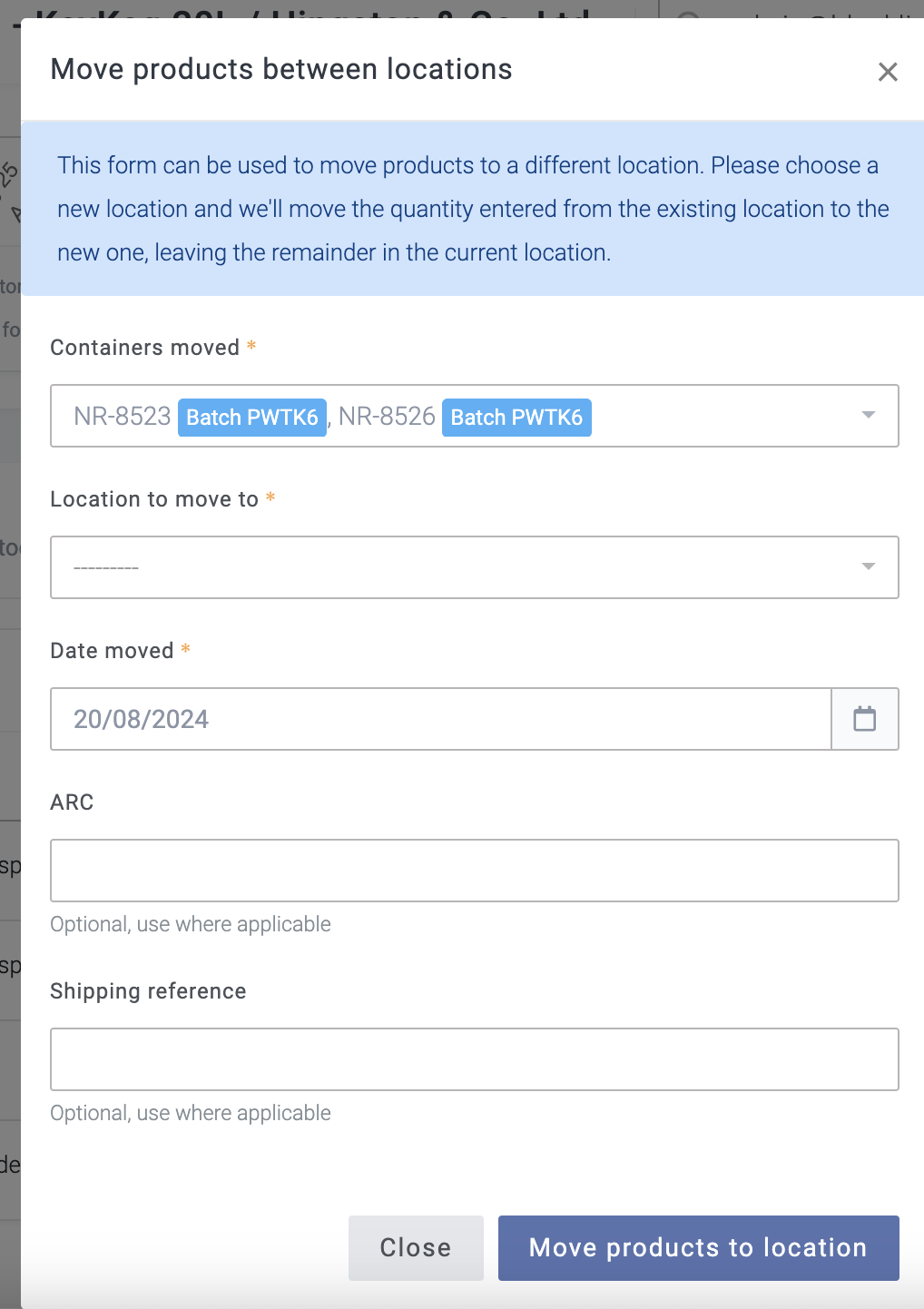
When I moving kegs from one location to another, I am unable to see the quantities I have assigned, and it’s difficult to double-check if they are correct, only option is to start all over again. It would be great if the quantities could be displayed just like when assigning boxes, and if I could simply type the number and at least will stop after e.g. 40 kegs which I need to move .
3 Likes
Thanks for the suggestion, Sylwia. Can you confirm that this is when using our mobile app in the “Containers” tab?
No, I’m not using the mobile app. It is on Breww’s main website when products (kegs only) are moved between locations. is easy to loose track when is more products.
1 Like
Ah, thank you. Yes, that makes sense.
Thanks for the suggestion Sylwia! We’ve now made some tweaks here so that if you select three or more containers (the point at which the summary text on this page starts to run out of space), Breww will instead show a count of the total containers selected 
We hope that helps!
1 Like
This topic was automatically closed 5 days after the last reply. New replies are no longer allowed.