Hello, we’re still trying to move towards using the stock transfer app, as discussed in this FR:
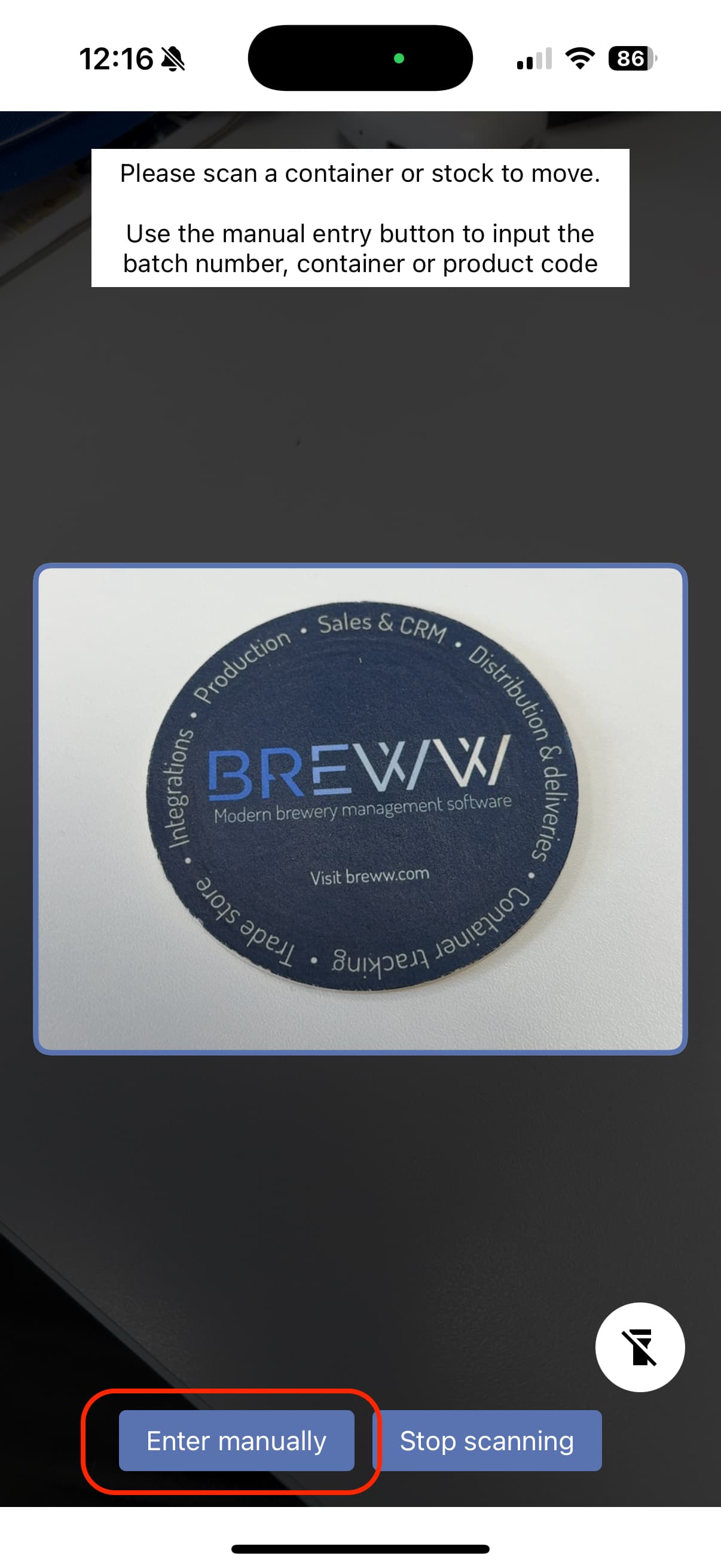
However, we still have one hang-up that is going to make it difficult: There is no good way to manually move multi-packs (flats or 4-packs) if they happen to be missing a Breww label. If we select “Enter Manually” the app expects a code - which, if the product isn’t Breww-labeled, we don’t actually have a way of quickly accessing, meaning at that point we’re stuck. This happens more than you might think, because we Breww-label cardboard trays, but our main sales units are 4-packs.
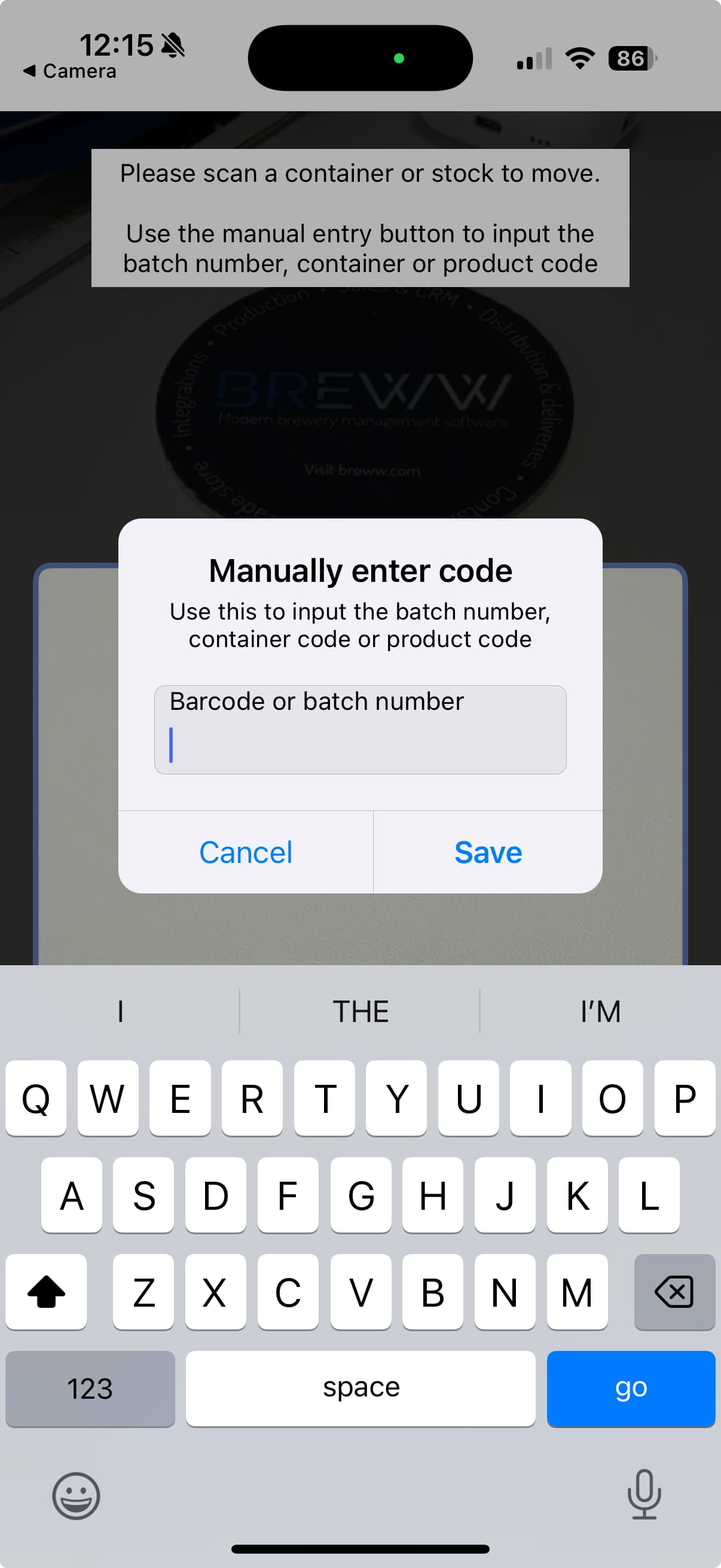
We would like to be able to manually enter the batch number into the transfer app, which is almost always readily available because it is inkjet printed on each can. This method could be used any time scanning isn’t an option. Can this function be added? It’s hard for us to make the switch without it.
Thanks,
Dave
For small pack this would be useful. On the browser version, you can select batches from a drop down menu, but on the app, if there is no QR code to scan, you can only enter a container number, which for small pack is not applicable
Luke, is there a new version of the app that allows this? I can’t get to a location where I can enter a batch number. I tried reinstalling the app but that didn’t help.
Thanks,
Dave
You should have been able to put the batch number into the manual entry input, but we agree this isn’t obvious. We’ve released an update today to make this clearer: