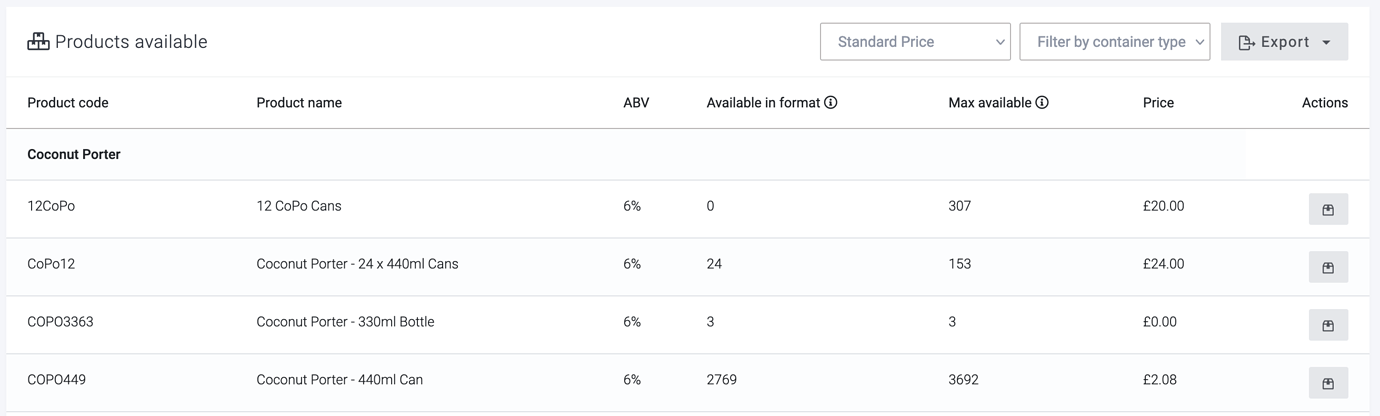
We’ve just added a price column to the available products report (Products > Tools & reports). There is also a price book drop-down menu at the top to choose which prices you’d like to see.
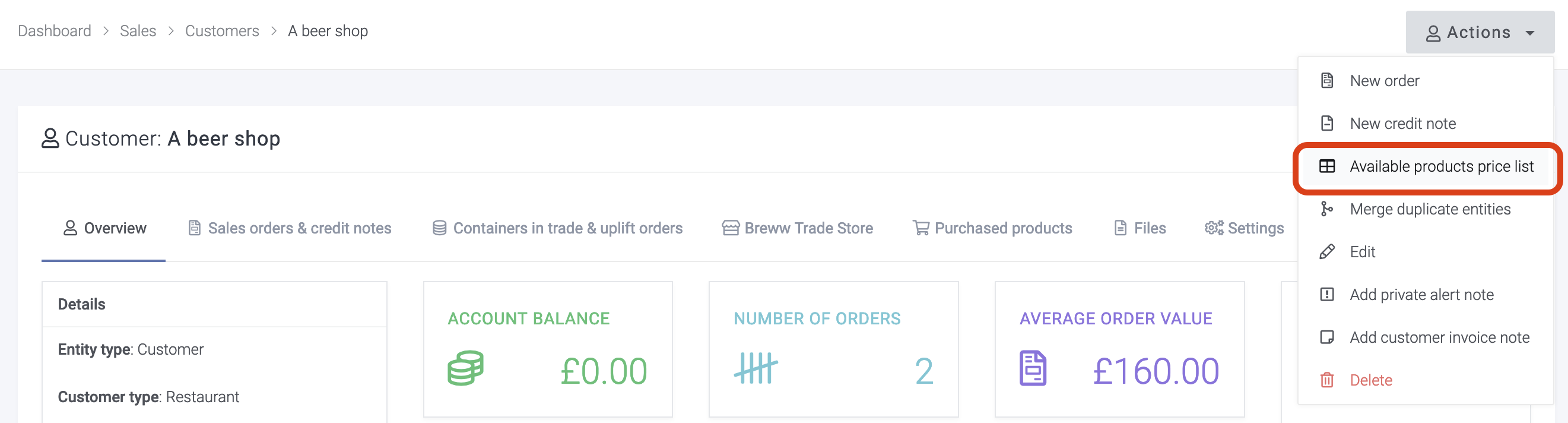
To make it even easier to quickly access, from any customer’s page you can use the handy link in the “Actions” menu. This will make sure to use the correct price book for the customer too.