BrewwQL is great when we want to create a shared view that can be returned to at any point in the future. However, it is a bit time consuming to create a BrewwQL filter, because you don’t always know what the name of the field you’re looking for is, and syntax can be a bit off-putting if you’re not used to it.
I’d propose adding Excel-style dropdown filtering on each table column - a very common way to filter a table both in Excel but also in many other apps. This is a quick & powerful way to zoom in on the data that is important.
Here’s a painfully long video showing how Excel filtering is done: https://www.youtube.com/watch?v=BtiVbY7lhqw. I’m thinking Breww could add a similar functionality, and further to that, it could be tied to BrewwQL, so that any filter applied immediately populates the BrewwQL box, allowing further tweaks and adjustments as needed.
Thanks for the great suggestion, Dave I can see how this would be really useful.
Most tables can already be sorted on most columns. If there are any specific tables/columns that are missing and would be helpful for you, please post individual feature request threads to request sorting on them. Unfortunately, a comment here about this will get “lost” in the main purpose of this thread and effectively falls into the I’ve got lots of ideas. Shall I post one big request? category. Thank you
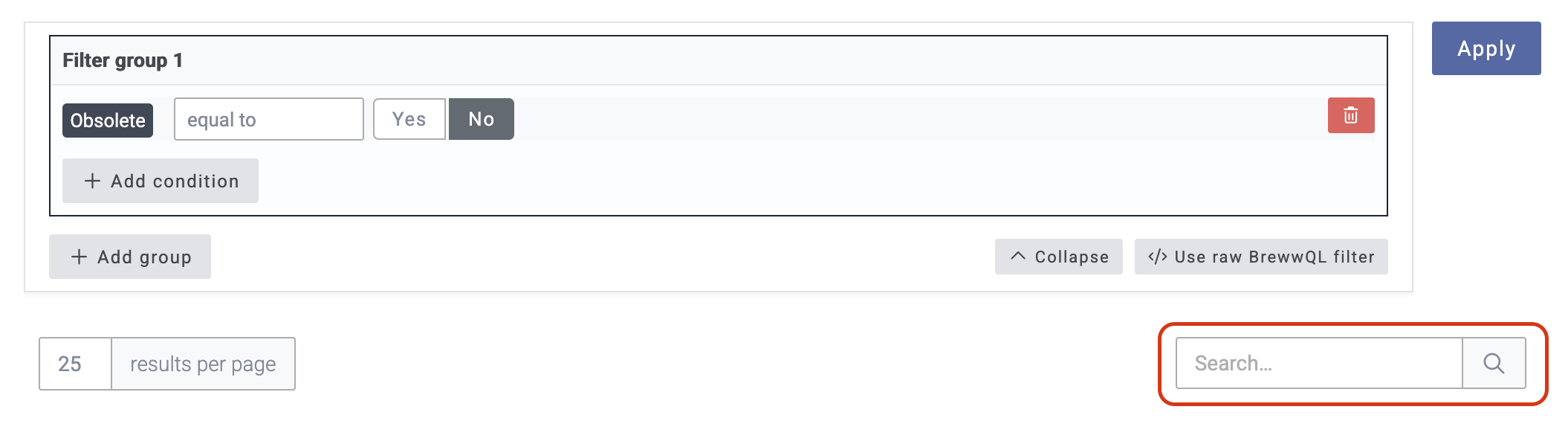
We’re very excited to announce the visual filter builder
Please see the Using the visual filter builder help guide for more on how this works, but it has been designed to be intuitive to use and far easier for most filters than BrewwQL.
I know this isn’t exactly what was asked for here, but we feel that this solves the same core issue (difficulty filtering with BrewwQL), so I’m going to mark this thread as complete.
Often, table columns don’t directly correspond to a BrewwQL field, or are displayed slightly differently. This makes the Excel idea difficult to implement in the same way that Excel have done it.
The filter looks useful, but is there anyway I can hide it by default from the sales screen? Or roll it up?I spend a lot of my life on this screen (!) but now have to scroll down to see it properly, or click delete on all three filter groups. It just takes up a lot of screen real estate!
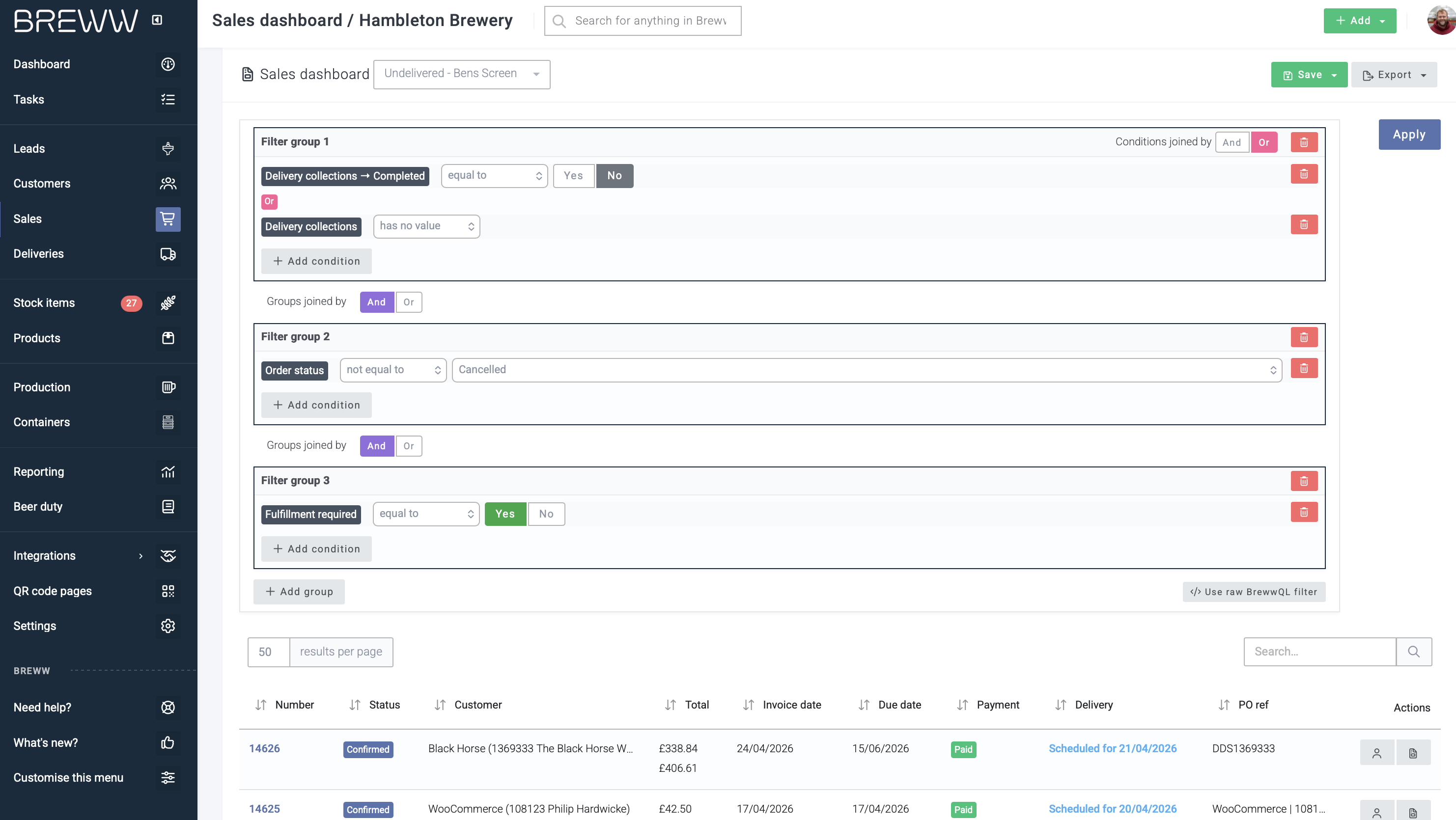
Ive worked out my issue!, and why it may not effect everyone. I have a default filter on the sales screen that clears it up, and just shows things that need delivering. (deliverycollection.completed = False or deliverycollection = None) and (order_status != “Cancelled”) and (fulfillment_required = True)
As this is my default screen every time I go to it it now list the three filter groups taking up most of my screen.
I could remove my default filter, but then I cant really see whats going on as I don’t really need to see any orders that are complete, canceled or don’t require fulfillment.
So it would still be great if we could hide them or roll up the visual filter things. Im sure most people will use a filter on this screen (and if they dont they really should as it makes it far more useable!)
Screen shot below/ attached showing how the sales screen now looks when I go on it..
@ben-harrison We’re working on an option to collapse this by default to save space on list views. Some places, such as reports where filtering will be more commonly used, it could always be “expanded”. You’re not the only person to have suggested this since this feature dropped today
For what it is worth, you could instantly save quite a bit of space by removing your last filter and adding it to the “Filter group 2” section. You don’t need the third filter group. I do appreciate, however, that the collapsing option would be very helpful, as although this suggestion would save some space, it would still take up quite a bit of space.
One thing that really limits it is that we can’t type free text into the filter. For example, if I want to filter by a certain product I can’t just type in the first few letters and have it filter the list.
@dave-vanderplaat Fair point. That was never technically a valid BrewwQL filter, but on invalid BrewwQL, we would, in some places, fall back to a search to try to be helpful. Having said that, the raw BrewwQL box does still allow this, but so does the actual search box
@ben-harrison You’re right, this has been fixed now! Sorry about this. After applying the query, make sure to use the “Save” button to replace your saved list too.
Hey Luke, I feel like the problem with the search box is that it isn’t field-specific. 9 times out of 10, if I’m searching, the function I want is to be able to quickly search a certain string in a certain field. THis is not possible currently - I either have to search every field and get “false positives” or build a query in Brewwql. Neither option is optimal in my opinion.
 I can see how this would be really useful.